
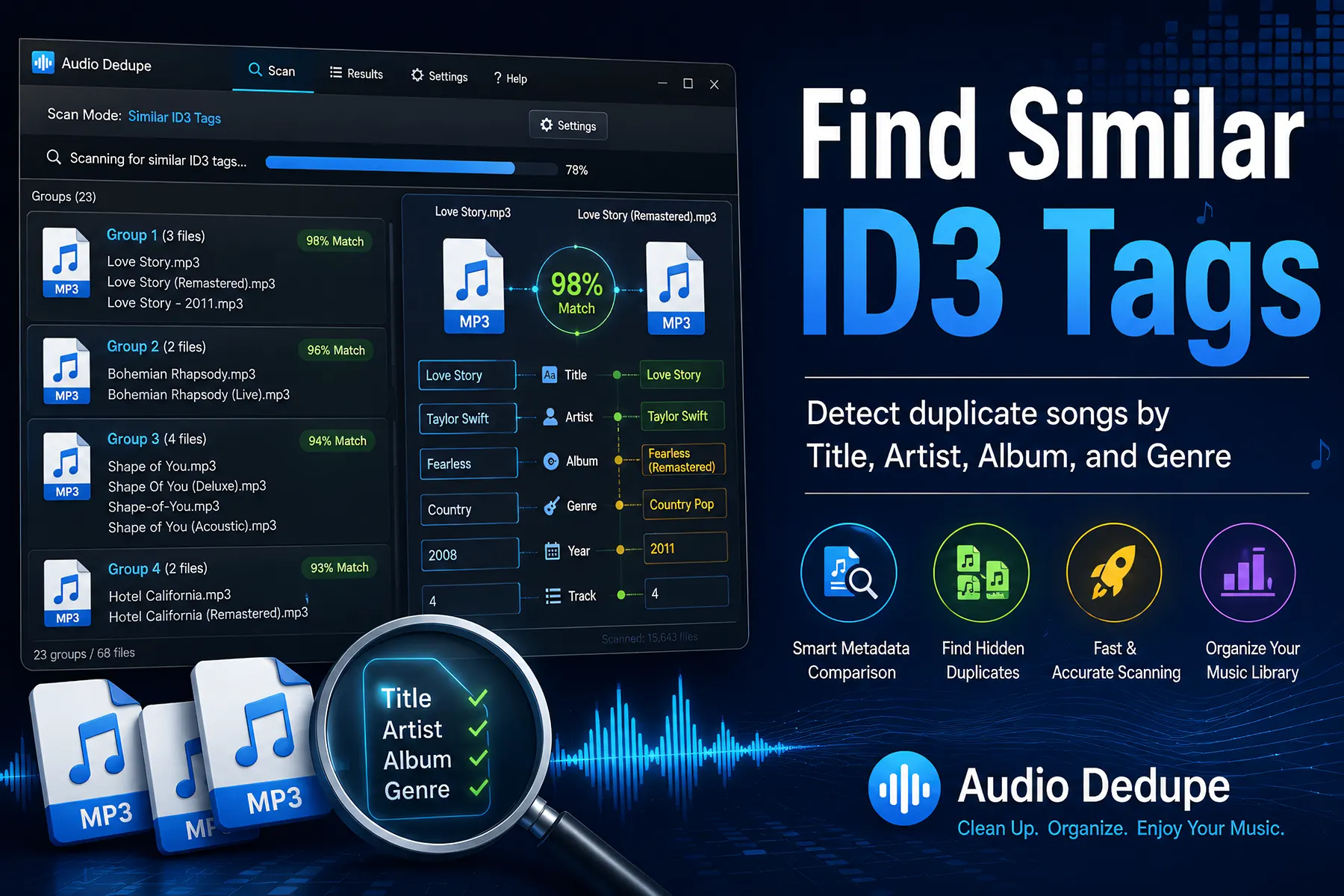

If your music collection contains duplicate songs, inconsistent metadata, or messy MP3 tags, learning how to Find Similar ID3 Tags can save you hours of manual cleanup. This guide explains how to detect similar song titles, artists, albums, and genres automatically so you can organize your music library faster and remove hidden duplicate audio files more efficiently.Table of Contents
What Are ID3 Tags?
ID3 tags are metadata fields embedded inside MP3 and audio files that store information about a song. For example, these tags usually include the song title, artist name, album, genre, year, and track number. As a result, media players and music management applications can organize and display music collections properly.
Without ID3 tags, music files would simply appear as filenames. Consequently, large music collections become difficult to browse and manage efficiently. Proper metadata allows you to sort music by artist, group albums together, and search for songs instantly.
However, music libraries often become disorganized over time. For instance, songs downloaded from different sources may contain inconsistent metadata, duplicate entries, or spelling variations. Therefore, many users struggle to maintain a clean and organized collection.
Why Similar ID3 Tags Matter
Duplicate music files are not always exact copies with identical filenames. In many cases, duplicate songs contain slightly different metadata. For example, one file may contain the artist name “The Beatles” while another uses “Beatles.” Similarly, album names may include extra text such as “Deluxe Edition” or “Remastered.”
Traditional duplicate finders often miss these files because they rely only on exact matches. As a result, many duplicate tracks remain hidden inside large music collections. Similar ID3 tag detection solves this problem by identifying metadata that is close but not necessarily identical.
Moreover, this type of detection helps you to find duplicate or highly similar songs much faster. Therefore, organizing large MP3 libraries becomes easier and more accurate.
Common Music Library Problems
Large music collections often contain many types of metadata inconsistencies. Typically, these problems appear after years of downloading songs, importing CDs, syncing devices, or copying files between computers.
Some of the most common issues include:
- Duplicate songs with different filenames
- Different artist spellings or formatting
- Incomplete album names
- Genre inconsistencies
- Capitalization differences
- Additional text such as “Live Version” or “Remastered”
- Duplicate tracks stored across multiple drives
Because of these inconsistencies, media players may display duplicate albums or split artists into multiple categories. Consequently, playlists and music libraries become cluttered and difficult to manage.
How Audio Dedupe Finds Similar ID3 Tags
Audio Dedupe includes a powerful scan method called “Similar ID3 Tags.” Unlike basic duplicate finders, this feature compares multiple metadata fields simultaneously.
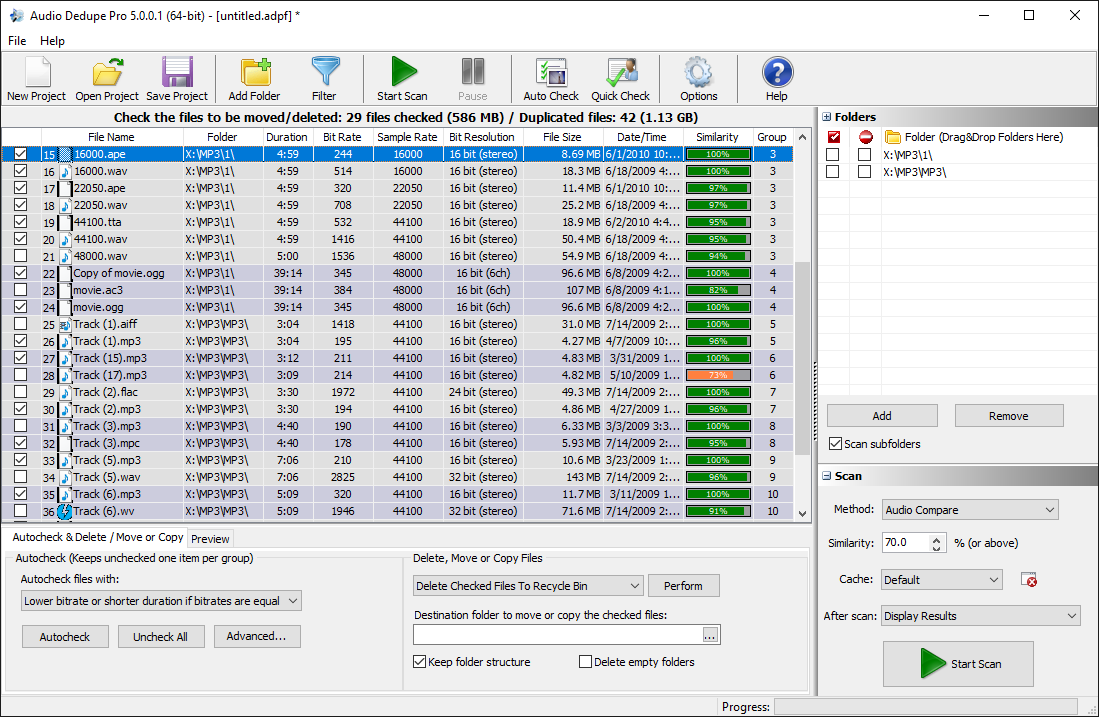
Find Similar ID3 Tags
The software can compare:
- Title
- Artist
- Album
- Genre
Furthermore, Audio Dedupe uses intelligent similarity algorithms to identify files that are likely duplicates or closely related tracks. You can also adjust how similar the tags should be before files are considered matches.
For example, the following files may still be detected as similar:
- Artist: “Eminem” vs “EMINEM”
- Album: “Greatest Hits” vs “Greatest Hits Remastered”
- Genre: “Hip Hop” vs “Hip-Hop”
As a result, you can identify duplicate songs that would normally remain undetected with exact matching methods.
How to Find Similar ID3 Tags Step by Step
Finding similar ID3 tags with Audio Dedupe is simple. In fact, the entire process only takes a few steps.
1. Add the folders that you want to search
First, add the folders that contain your music collection. You can scan local folders, external drives, or complete music libraries.
2. Choose “Similar ID3 Tags” scan mode
Next, select the “Similar ID3 Tags” scan method from the available scan modes.
3. Click the settings button and configure comparison options
Then, click the settings button located on the right side of the scan method. From there, you can choose which tags should be compared, such as Title, Artist, Album, or Genre.
Additionally, you can configure how similar the tags must be before files are considered matches. Therefore, you have full control over scan sensitivity and accuracy.
4. Review the results and delete duplicates
Finally, review the detected files carefully. Audio Dedupe groups similar songs together, which makes duplicate management easier.
Afterward, you can delete, move, or organize the duplicate files directly from the results window.
Benefits of Similar ID3 Tag Detection
Using similar ID3 tag detection provides several important benefits. Most importantly, it helps you find hidden duplicate songs that exact matching methods often miss.
- Find hidden duplicate music files
- Improve music library organization
- Reduce storage usage
- Clean inconsistent metadata
- Improve playlist accuracy
- Organize albums more efficiently
Furthermore, cleaner metadata improves the overall experience inside media players and streaming applications. Consequently, you spend less time organizing files manually.
Similar ID3 Tags vs Exact Duplicate Detection
Exact duplicate detection compares files that are completely identical. Therefore, this method works well for finding perfect copies of the same song.
However, many duplicate tracks are not exact matches. For instance, files may contain different metadata, filenames, or encoding formats while still representing the same song.
Similar ID3 tag detection focuses on metadata relationships instead of exact equality. As a result, it is ideal for identifying songs that are highly similar but not completely identical.
For best results, many users combine exact duplicate scanning with similar ID3 tag detection. This approach provides a more complete music library cleanup.
Best Practices for Organizing Music Libraries
Before removing duplicate songs, it is always recommended to back up your music collection. Although Audio Dedupe provides accurate results, reviewing files manually is still a good practice.
Additionally, maintaining consistent metadata helps prevent future organization problems.
Some recommended best practices include:
- Use consistent artist and album naming conventions
- Review similar matches carefully before deletion
- Organize music by artist and album folders
- Remove outdated or low-quality duplicate tracks
- Keep metadata standardized across all devices
As a result, music collections remain cleaner, easier to browse, and simpler to maintain over time.
Conclusion
Large music collections often contain duplicate songs and inconsistent metadata. Consequently, organizing these libraries manually can become time-consuming and frustrating.
Audio Dedupe’s “Similar ID3 Tags” scan mode provides a smarter solution by comparing metadata such as Title, Artist, Album, and Genre simultaneously.
Furthermore, customizable similarity settings and improved performance make the detection process faster and more accurate. As a result, you can identify hidden duplicates more efficiently while improving overall music organization.
Whether you manage a personal MP3 library or a professional audio archive, similar ID3 tag detection can help reduce clutter, save storage space, and simplify music management.