
Boss Key - Hide Windows Instantly - Tutorial
Screen Privacy Protection - Hide Screen
 About
About Features
 Download
 Register (buy)
 Screen Shots
 FAQ
FAQ Awards
 Tutorials
What is Boss Key?
- Boss Key is a mouse or keyboard shortcut that will instantly hide all windows (applications).
- Mute or lower the sound of the movie you were watching or the game you were playing
- Hide the icons in the system tray covering the chat application that you use.
- Switch and restore screen resolution if you were playing a game.
- Activate the application that you are supposed to use or bring it to the top of the desktop if it is already running.
Boss Key - Hide Windows
Sometimes you have a few minutes free at your workplace and you can spend it chatting with a friend or reading a short article on the web. Unfortunately, if a customer or even worse - your boss walks in, it will not make a good impression and even may cost your job position.
Maybe you have opened one of that pink websites. Maybe because of curiosity or maybe a popup from another website. What will your wife think when she suddenly walks into the room?
What would you do? Start closing all those windows? Are you fast enough? Restart your computer and lose all your unsaved data and look even more suspicious?
Fortunately Boss Key will save you immediately in such inconvenient situations. It will instantly hide all the windows on your screen and cover your activity. It will not only hide windows but will restore them back to the initial state once you hit the boss key combination again.
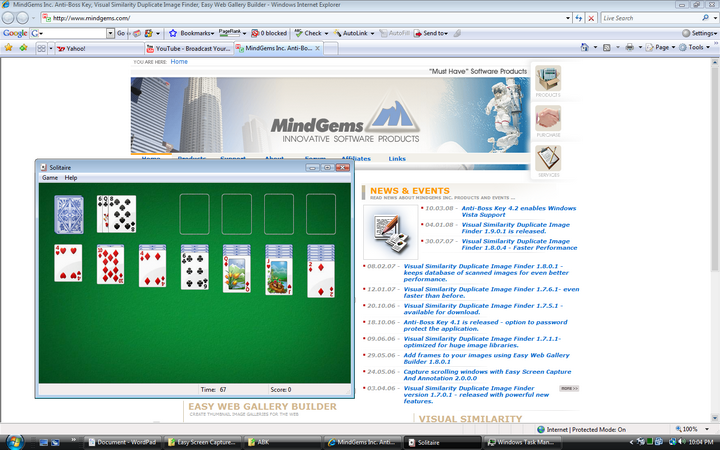
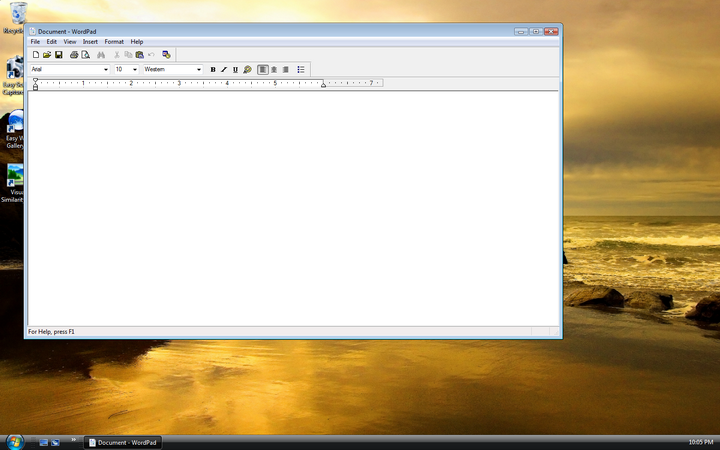
Boss Key - Quick Setup
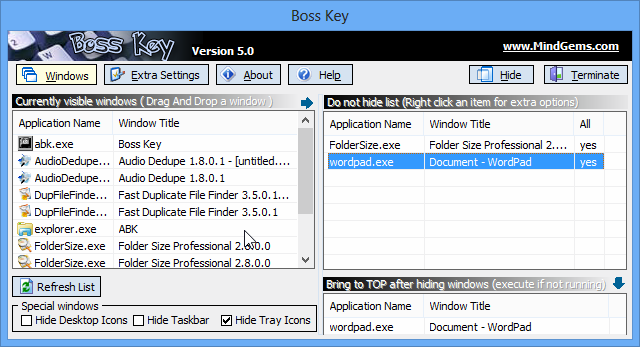
After you install and start the bosskey application the settings windows below will appear. You can download the bosskey application here if you have not done so yet. On the left are listed all the windows on your desktop. Boss Key will hide all that windows once the bosskye mouse or keyboard shortcut is used.
You can drag&drop the ones that you do not like to hide to the list on the right. You can also drag an application from the list on the right to the list at the bottom and it will be brought to the top when the bosskey is pressed or started if not running. Note that Boss Key is the only bosskey application on the market that will hide also your tray icons and it even can hide your desktop. This is extremely useful for hiding messaging applications as all of them put an icon in the system tray.
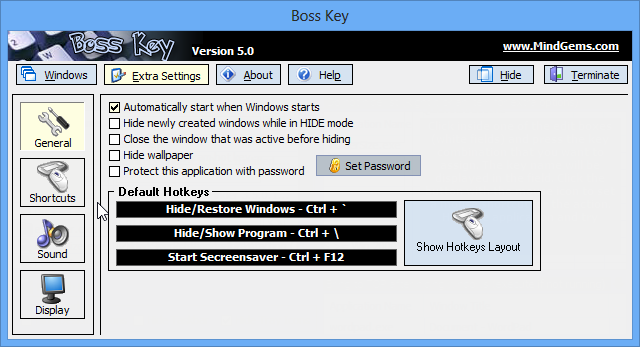
The next thing that you would like to do is to setup a key or mouse shortcut for the bosskey actions. You can see below the default hotkey configuration. Once you hit the "Hide/Restore windows" combination all the windows will be hidden. Hitting it for second time will restore them back to the original state.
Boss Key - Extra Features
The application can start automatically when you start windows. It quietly starts in the background without displaying any messages and will wait for you to hit the hide-windows (bosskey) hotkey. Note that it eats up so few resources that you won't even notice that it is started.
- Hide newly created windows while in HIDE mode - this feature is very useful. For example, it will hide the nasty popup windows that appear from those pink websites or if a new chat window pops up from your chat client.
- Close the window that was active before hiding - you can insure yourself extra by using this option. It will kill the application that you were using before you hit the bosskey combination. For example if you were playing a game.
- Hide wallpaper - if your wallpaper has content that you do not like to share this option will be handy for you.
- Protect this application with password - even if someone accidentally hits your hotkey for displaying the settings window the application will prompt for a password and will not reveal itself.
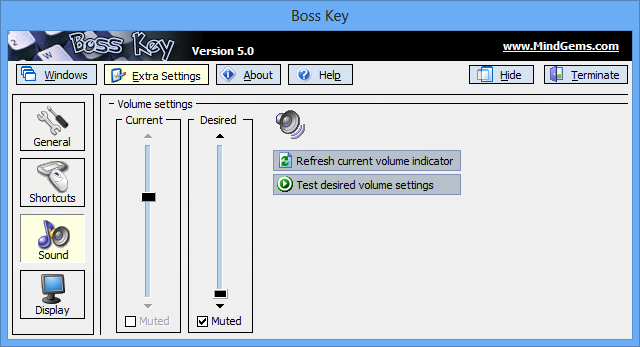
In the sound settings panel you can configure weather the application will lower the volume or will mute it once the bosskey combination is hit. For example if you were watching a movie or playing a game you would not like the sound to be audible.
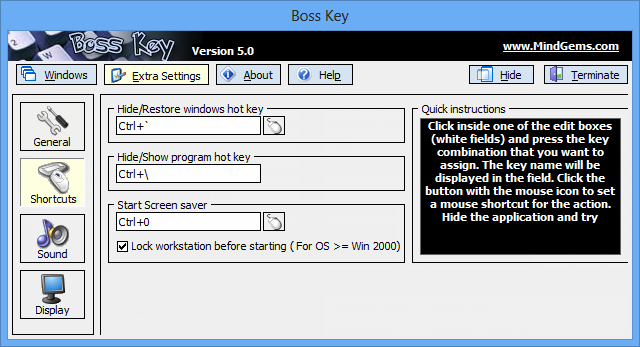
In shortcuts panel you can change the default hot keys and also assign a mouse shortcut. If you use the mouse more frequently a mouse shortcut may be more convenient for you.
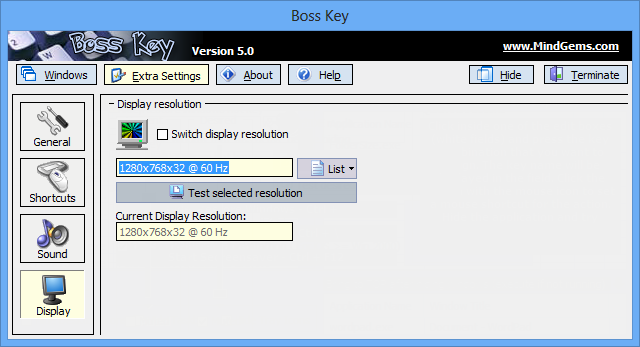
Finally the application also can switch your display resolution. This option is handy in order to restore your original display mode as many games are switching the display resolution. So setting this option to your current display mode will always restore the display mode to that one once the bosskey shortcut is used.
Protect Yourself Now - A Limited Discount Offer
Do not hesitate and order a license now with our special discount price and insure yourself forever.