| Home»News»Visual Similarity Duplicate Image Finder 3.5.0.1 - Find Similar DICOM Files. | |||||||||||||||||
![]() |
![]() |
![]() |
![]() |
![]() |
![]() |
![]() |
![]() |
![]() |
|||||||||
![]() |
![]() |
![]() |
|||||||||||||||
|
|
|||||||||||||||||
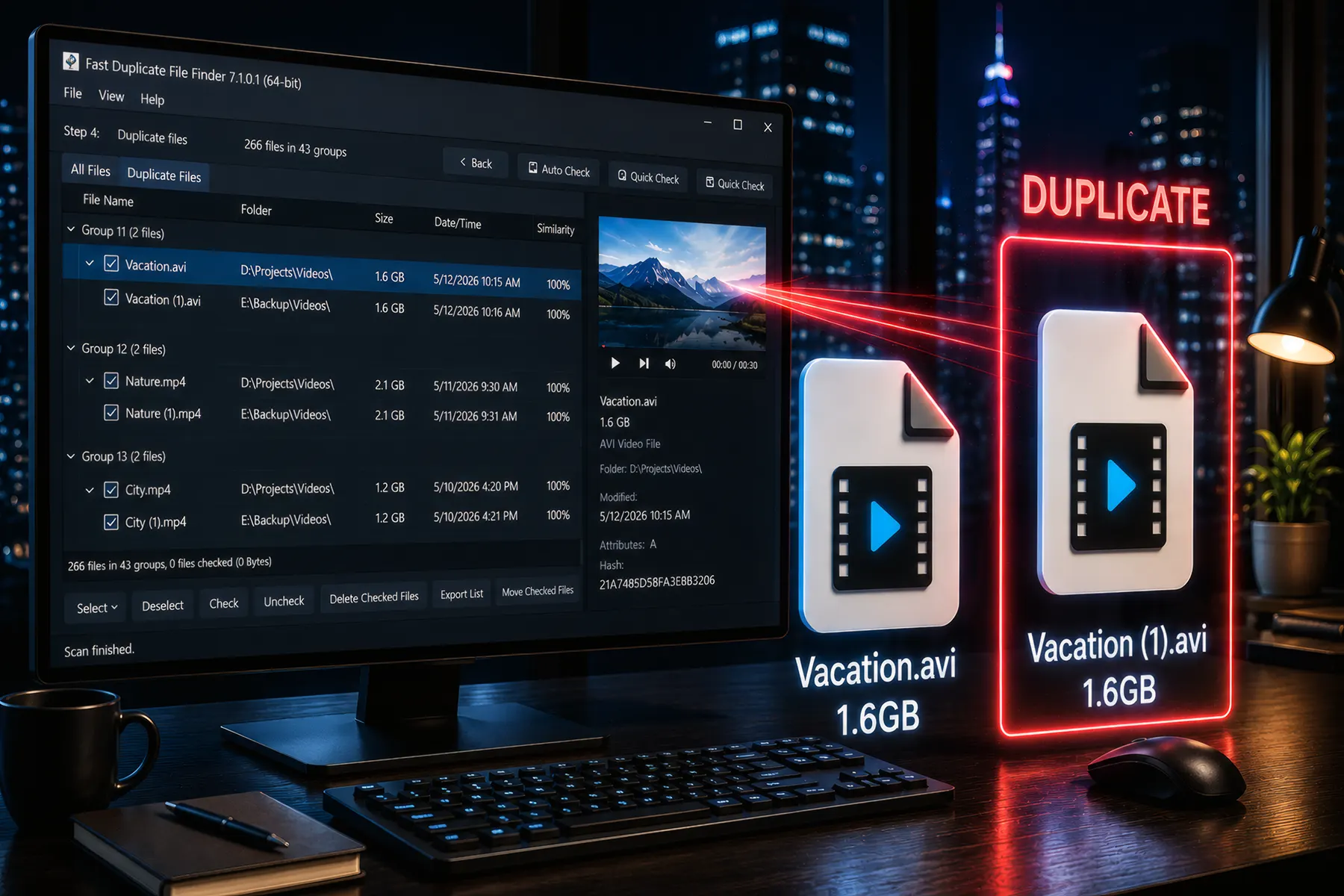
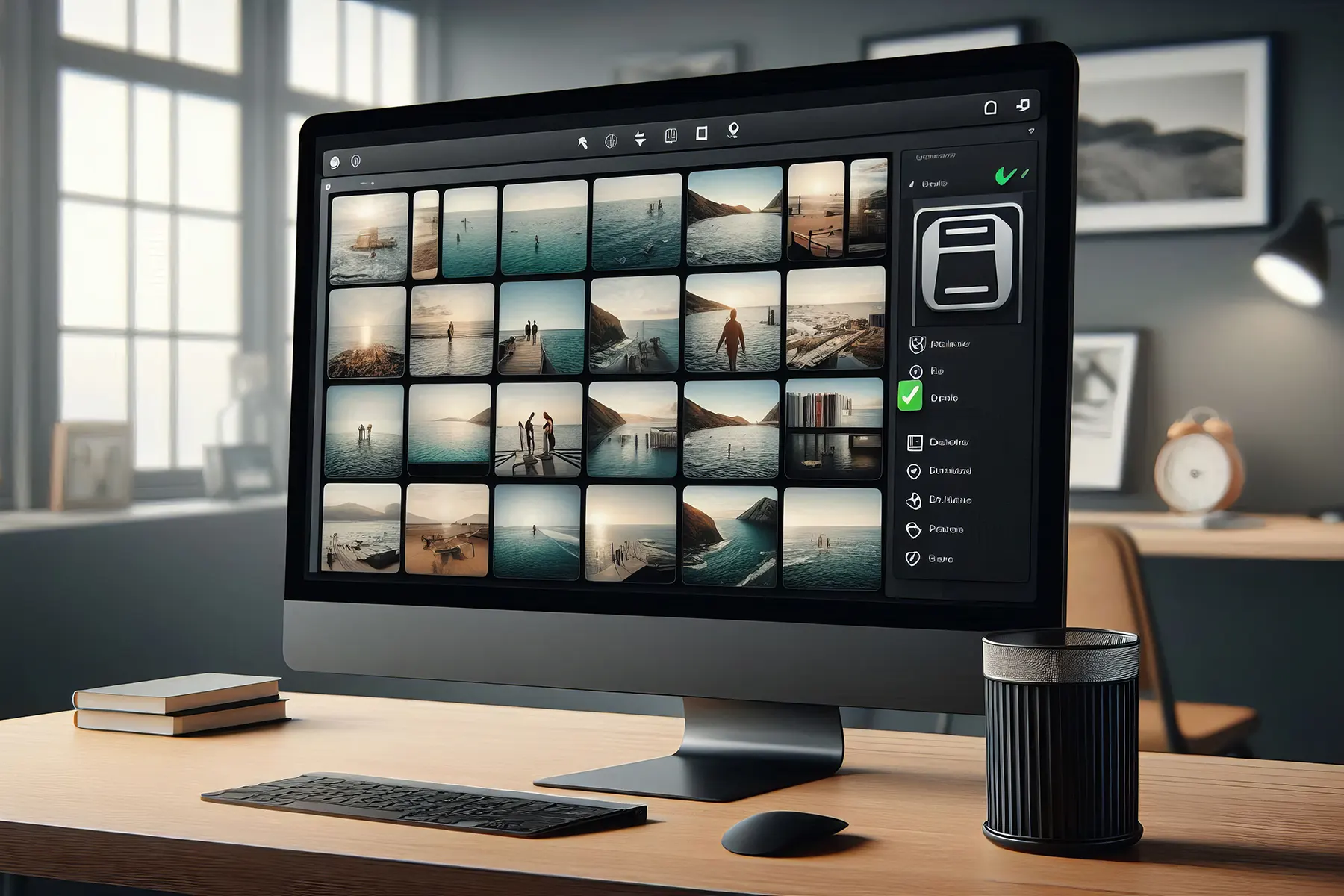
Visual Similarity Duplicate Image Finder 3.5.0.1 - Find Similar DICOM FilesVisual Similarity Duplicate Image Finder 3.5.0.1 adds support for DICOM Files. (Available only in Corporate version)
Added support for 25 new digital cameras. The PRO and Corporate versions also provide a powerful filter functionality that will let you exclude certain files or folders from the scan and also an option to delete empty folders. Visual Similarity Duplicate Image Finder-Filter
![]()
The new grid popup menu item Properties shows windows explorer file properties window. Another grid popup menu item "Check All Except Excluded" will check all files except the excluded ones from the Advanced dialog in Auto-check options or files which folder was disabled for auto-check. The popup menu item "Disable self-Scan For This Folder" is now available also in the Pro along with the Corporate one. The "100% Identical Files" scan method is now a lot faster which is also true for the Check Selected/Invert Selection/Uncheck All when there are a lot of files in the duplicates list . There are now two separate columns for File Name and Folder which allows easier navigation and sorting. There are also a lot of fixes. Some of them are the fixed logging under Windows Vista/7, fixed auto-check when there are folders disabled for auto-check. About 10% faster "preprocessing images" step on older 1-core processors. Owners of the corporate version of the program can register it using command-line parameters. See command-line help for details. |